 V3.8.1
 Windows PC
PVZ Fusion 3.8.1 · ZIP · 524.5 MiB
Chinese base build
Extract into a new folder and keep the working copy until saves are verified.
FAN-MADE DOWNLOAD HUB + FIELD GUIDE
Explore the fusion gameplay loop, compare checked PC and Android build information, and use selected plant guides without relying on stale version claims.
CURRENT DOWNLOAD ROUTES
Choose a platform before downloading. The current PC and Android 3.8.1 listings are Chinese builds; the page language does not change the language inside the game. Back up saves before switching builds.
Listing checked · V3.8.1 Windows PC
Chinese base build
Extract into a new folder and keep the working copy until saves are verified.
 V3.8.1
 Android
Chinese build; GitHub, Drive and MEGA downloads
The host controls the final APK flow; scan the file and revoke sideload permission afterward.
 V3.9.9 observed
 Windows community listing
Language support not established
Third-party redistributor listing, not a confirmed official latest release. Its description warns about EXE, REG and BAT files.
PVZ Fusion
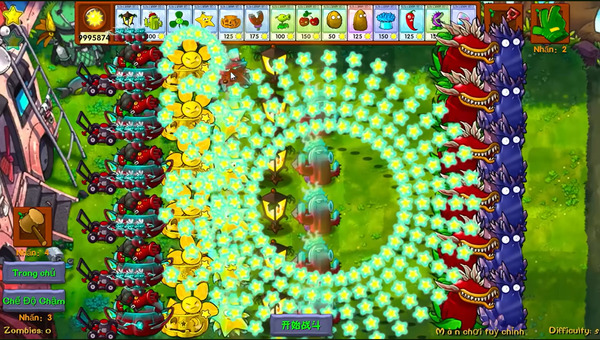
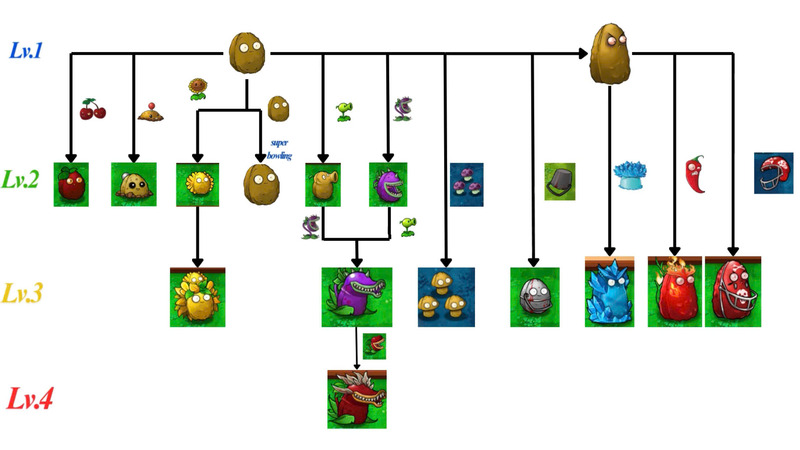
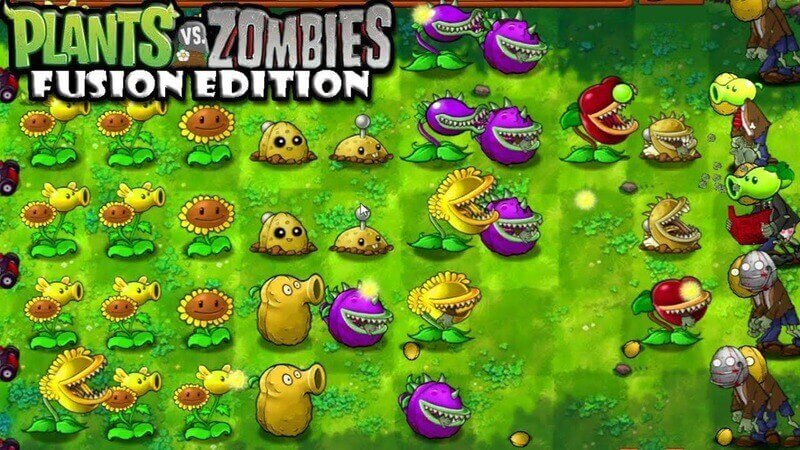
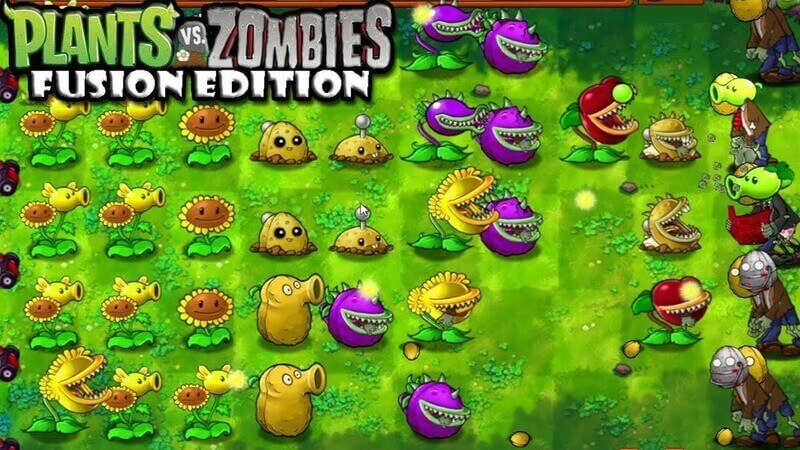
PVZ Fusion is a fan-made Plants vs. Zombies project built around combining plant roles and mechanics. It is not an official Electronic Arts or PopCap release, and public version listings differ by platform and language.
Windows players can compare the current Chinese 3.8.1 ZIP with community translation branches. Android players can use the current Chinese 3.8.1 APK and mirrors or choose an older English build when language matters more than the highest number.
On Windows, scan the ZIP, extract the complete archive into a new folder and launch it from there. On Android, scan the APK, back up saves and grant sideload permission only to the browser or file manager used for the download.
Keep the previous build until the new one starts and reads your save. A higher version label is not useful if the language, signature or save path is incompatible with the build already on the device.
The selected Wiki focuses on useful plant roles and real inherited artwork instead of copying hundreds of uncertain rows. Fusion Lab turns two roles into an immediate browser result and labels strategy-only simulations clearly.
Use the download pages for version-sensitive files, the Wiki for plant and mode decisions, and the browser tools for repeatable challenges, daily streaks and shareable result cards.
PLAY INSTANTLY
Pick two plants. The browser reveals a shareable result in one move. Daily mode remembers your streak only on this device.
Open both mini gamesFUSION LAB
Curated recipes are marked. Other pairs become stable strategy-lab concepts, never claimed as official game data.
CURATED RECIPE

Solar Sharpshooter